
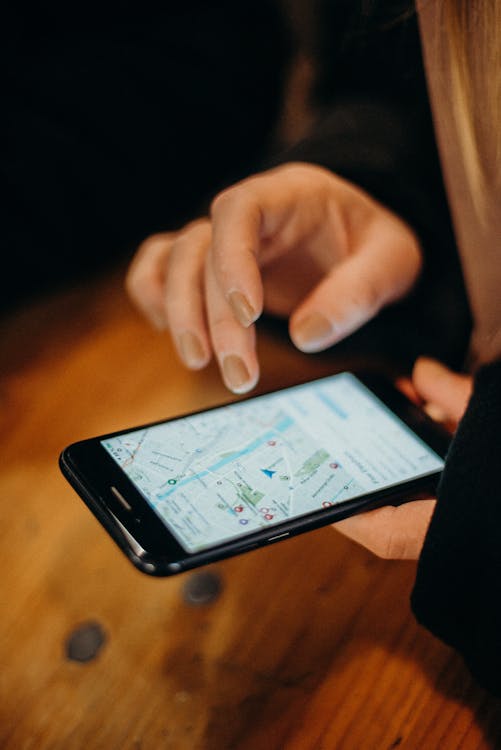
Add Your Business to Google Maps (Google Business Profile)
As a small business owner, we know your time is precious, and your marketing budget is limited. Yet, an online presence is no longer a luxury but a basic necessity. But what if you don’t have the time or money for a marketing expert, and you still want customers to find you?
This is where Google Maps comes in, a free yet incredibly effective tool for increasing local visibility. If you want potential customers to easily find your business and book appointments instantly, you’ve come to the right place! This guide will walk you through setting up your business on Google Maps step-by-step and show you how to get the most out of it with Timevise.
Why is Google Maps So Important for Your Business?
Today, Google Maps is much more than just a navigation tool. It’s the primary source for potential customers when they search for local services or products. Just think about it: when someone searches for a café, hairdresser, or car mechanic nearby, they’ll likely grab their phone and search on Google. If your business doesn’t appear, you’re practically invisible to them.
A well-configured Google Business Profile (the foundation of Google Maps) offers several tangible benefits for you:
-
Better Visibility in Local Searches: When someone searches for “hairdresser Budapest” or “cafe near me,” your business can appear in the results.
-
Easier Reachability: Customers can instantly see your address, opening hours, phone number, and even plan directions to your location with a single click.
-
Professional Online Presence: A comprehensive profile builds trust and makes your business more credible.
-
Gathering Customer Reviews and Building Trust: Positive reviews attract new customers like a magnet and strengthen your business’s reputation.
-
Easy Appointment Booking via Timevise Integration: This is the real game-changer! Customers can book appointments directly from Google Maps, which is a huge convenience for them and for you.
tl;dr: Get Your Business on Google Maps in 6 Quick Steps!
Don’t have much time? No problem! Here’s the gist to get the process started in minutes:
-
Create your Google Business Profile at business.google.com. This is the first and most important step!
-
Verify your business via phone call, email verification, or postal mail. This ensures you are the rightful owner.
-
Complete your profile as thoroughly as possible: Add photos, accurate opening hours, a detailed service list, and a compelling description.
-
Optimize for local search: Use relevant keywords in your descriptions so potential customers can easily find you.
-
Ask for Google reviews! Positive reviews help your business rank higher in search results, and Google highlights the best ones.
-
Integrate your Timevise page with your Google Maps profile so potential customers can book appointments with the click of a button.
Time Investment: 30-60 minutes | Cost: Free | Benefit: More local customers, easier appointment booking, and a professional online presence.
How to Set Up Your Google Business Profile Step-by-Step
1. Create a Google Business Profile
Google Business Profile (formerly Google My Business) is your digital business card. Setting it up is simple, just follow these steps:
-
Visit business.google.com.
-
Log in with your Google account. If you don’t have one, you can easily create one.
-
Click the “Manage now” button and start typing your business name. If a profile with a similar name already exists, the system will show it.
-
Enter your business’s basic information as guided: business name, address (if you have a physical store), service area (if you provide services at customer locations), category. It’s important to choose the most accurate category, as this helps Google match your business to the right searches.

2. Verify Your Business
This step is essential for Google to confirm you are indeed the business owner and to grant you access to all features. Verification methods may vary:
-
Verification code via postal mail: This is the most common method, especially for new profiles. They will send a card to the provided address with a code that you need to enter into your profile. This usually takes 5-14 days.
-
Phone or SMS verification: Available for certain businesses where Google can automatically verify the phone number via a call or SMS. This is much faster.
-
Video verification: Less common, but sometimes you may need to verify the existence of your business with a video.
After verification, all features will become available, and you can start fine-tuning your profile.

3. Set Up and Optimize Your Profile for Maximum Effectiveness
After verification comes the lion’s share of the work: completely filling out and optimizing your profile. The more relevant information you provide, the better your business will perform in local searches!
-
Choose the most accurate business category: You can specify multiple categories if they are relevant, not just one. This is crucial for Google to show your business to the right users.
-
Provide your contact details: Phone number, website (this is where your Timevise page can come in!), email – everything that helps customers contact you.
-
Specify your opening hours: This is fundamental. Always update special opening hours for holidays or events to avoid misunderstandings. It’s good to keep your opening hours consistent with what you’ve set in Timevise!
-
Write a compelling description: Highlight the most important information, your business’s unique value proposition, and why they should choose you. Use relevant keywords!
-
List your services and products: With detailed descriptions, prices (if relevant), and photos. This helps customers know exactly what you offer.
-
Upload quality photos and videos: Of your business, your team, your services, your products. Visual content makes your profile much more attractive. A good exterior photo helps customers find your business, while an interior photo gives a glimpse into the atmosphere.
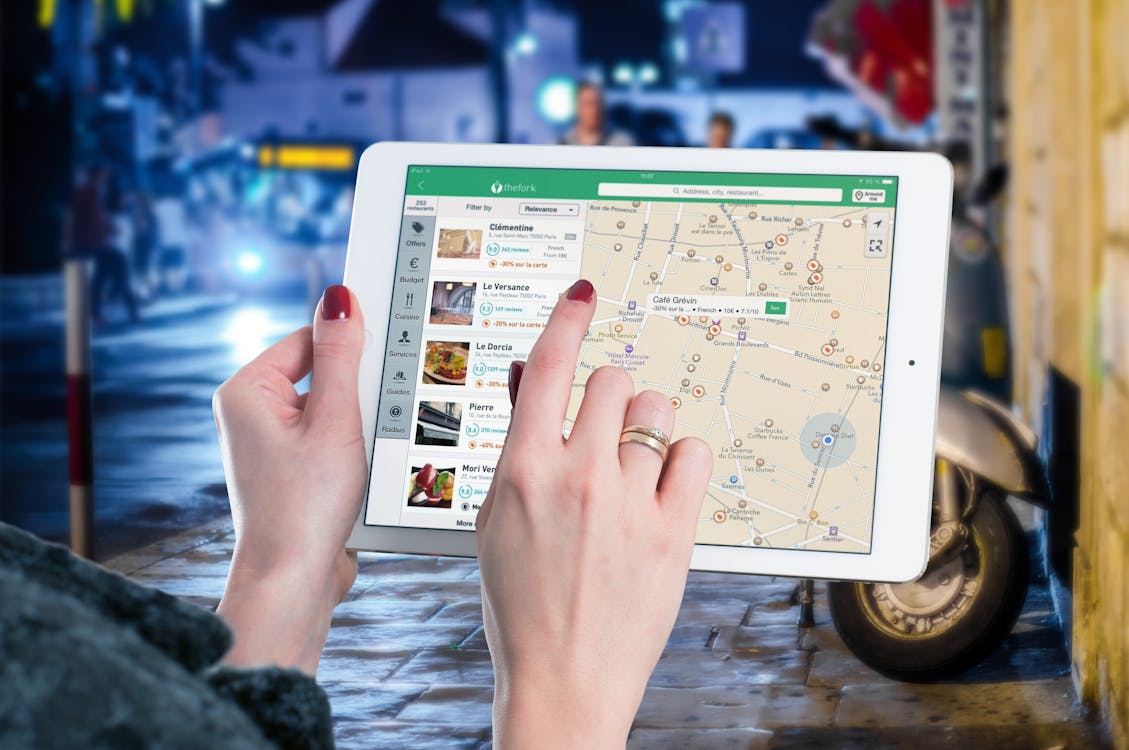
4. Integrate Timevise for Easy Appointment Booking!
This is where your Google Maps profile can truly go into overdrive and save you time! If you want to make your Google Business Profile even more effective and automate appointment booking, integrate it with the Timevise app:
-
Add your Timevise booking link to your Google Business Profile: Your booking page created in Timevise will be directly accessible from Google.
-
Enable the “Book Now” button: This button will appear instantly on your profile, and customers can book appointments with a single click without leaving the Google interface. This significantly reduces drop-off rates!
-
Synchronize your availability between Timevise and Google: Your available time slots set in your Timevise calendar will automatically appear on Google, so you never have to worry about double bookings. This is one of Timevise’s biggest advantages, as it takes a lot of administrative burden off your shoulders.
How to Get the Most Out of Google Maps?
To truly make your Google Maps profile the engine of your business and achieve maximum efficiency with Timevise, it’s worth paying attention to a few things:
-
Create your website in the Timevise app: A professional, mobile-friendly website is essential. With Timevise, you can create your own page with bookable services in minutes. Check out our guide to creating a business website!
-
Include your social media links: Social media links increase the credibility and activity of your business, which can improve its appearance and trust among potential customers, and the Google search engine also views it positively.
-
Encourage your satisfied customers to leave reviews: Positive feedback is the best marketing tool, also contributing to credibility and reliability.
How to Professionally Manage Customer Reviews?
Customer reviews are crucial for building trust and credibility. Not only their number, but also the quality of your responses matters. Here are some tips for managing them professionally:
-
Respond to every review, whether positive or negative: This shows that you pay attention to your customers and care about them.
-
Thank them for positive feedback: A short, personal message can mean a lot.
-
Handle negative reviews professionally and helpfully: Never retaliate! Apologize for the inconvenience, offer a solution, and if necessary, ask the customer to contact you directly to resolve the issue. A well-handled negative review can even create a positive impression.
-
Avoid buying fake reviews: Google’s algorithms can detect and penalize such activities, which can harm your profile’s ranking.
-
Use Timevise’s automated messaging to request reviews from customers after their appointments: Timevise can automatically send a reminder or a request for a review after they’ve used your service, so you don’t have to collect them manually. This is a huge time saver!
👉 If you want to learn more, read our article: How to Professionally Manage Online Reviews?
How to Enhance the Customer Experience with Google Maps and Timevise?
Google Maps not only helps customers find you but can significantly improve the customer experience from the very first moment. It provides accurate route and location information, so no one will get lost finding you. With Timevise integration, we go even further:
-
Simple, seamless booking: Customers can book appointments directly from Google Maps, which is extremely convenient.
-
Reminders: Timevise sends automatic reminders about appointments, reducing the number of forgotten and missed appointments. This is not only helpful for the customer but also for you, as it means less lost revenue.
-
Easy communication: Customers can quickly find your contact information, and with Timevise’s chat function, they can even communicate with you directly.
👉 If you want to learn more, read our article: How to Reduce Missed Appointments?
Related Articles to Boost Your Online Presence
Have you set up your Google Maps profile? Congratulations! Now it’s time to maximize your online presence and increase your visibility with these tips. Remember, Timevise not only helps with booking but also supports your entire online marketing effort:
Create a Professional Website (Without Technical Knowledge)
- Create a website in minutes. With Timevise, you can easily create a professional, mobile-friendly site without any technical skills. This will be your digital hub!
Increase Your Search Engine Visibility (with Local SEO Tips)
-
Learn the basics of SEO. Effective search engine optimization strategies that work even on a small budget. Remember, your Google Maps profile is also part of local SEO!
-
Appear in ChatGPT searches. Reach more potential customers with AI-optimized content. Timevise’s AI blog writer app can help with this too!
Build Your Marketing (Smartly and Time-Efficiently)
-
Write compelling copy. The fundamentals of copywriting that turn visitors into customers. The Timevise AI blog writer will also assist you with this!
-
Launch a social media campaign. Reach more people and build trust through social media. Timevise’s social media assistant helps create posts!
-
Create effective calls to action (CTAs). A simple yet powerful technique that increases sales – like your “Book Appointment” button on Google Maps!
Track Your Success and Improve
-
Check if your website converts. Find out if your visitors actually become customers.
-
Use free tools to increase visitors. Increase the number of visitors and customers with effective, free programs.
-
Automate your business. So you have more time for more important activities. Timevise is your best partner in this!
Conclusion and Your Next Step
As you can see, a well-optimized Google Maps profile can provide a huge advantage for local businesses, especially for small and micro-businesses with limited time and budget. By following these steps and integrating Timevise, you can not only increase your online presence and improve customer relationships but also significantly simplify appointment booking.
Don’t let your competitors get ahead! Start setting up your Google Business Profile today and get the most out of it with Timevise. You’ll have more time for your business while customers can easily find and book with you.
Are you ready to be the local star on Google Maps? Register for Timevise today and discover how to simplify your online presence and appointment booking!
This article was created with the Timevise Marketing tool.